Getting Started: Filling Tests
This guide describes how to get started with fill and commonly-used command-line options.
-
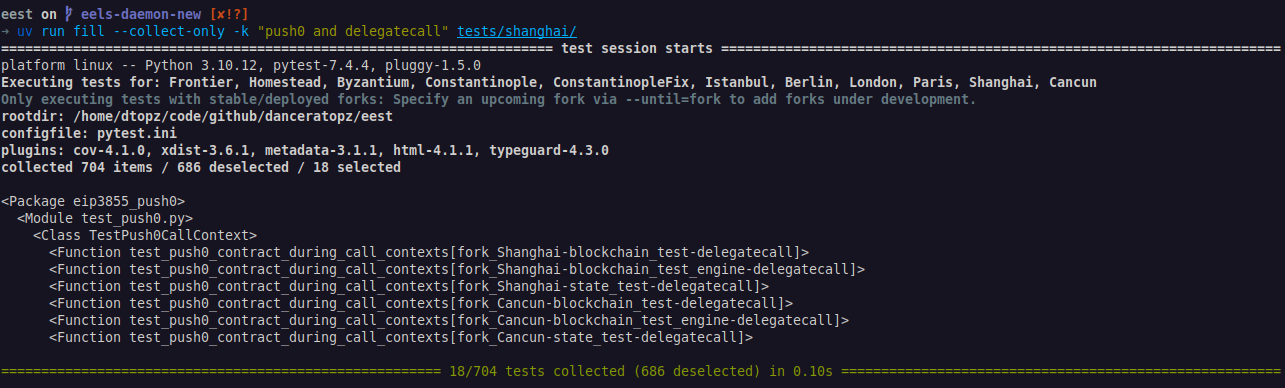
Explore test cases via
--collect-onlyand search for test cases that combinePUSH0andDELEGATECALLin the EVM functionality introduced in the Shanghai hard fork:The
fillcommand is based onpytest. The above command uses the optional pytest arguments:--collect-onlyonly collect test cases; don't execute them.-k <expression>filter test cases by their test case ID based on the given expression.tests/shanghaithe directory containing the test cases (tellsfillto only discover test cases in this directory; default:tests/).
Expected console output:
-
Fill
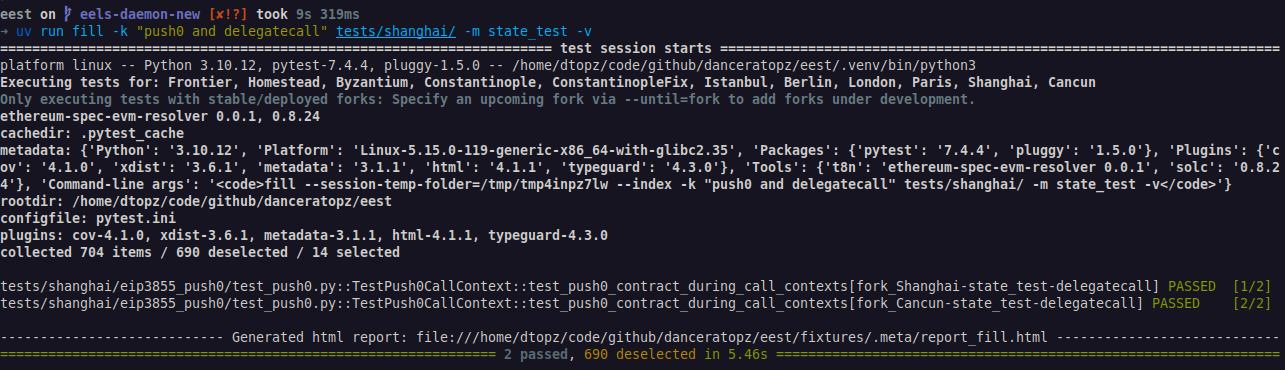
state_testfixtures for these test cases:where:
-m state_testonly fills test cases marked as astate_test(see all available markers viauv run fill --markers).-venables verbose output.
Expected console output:
-
Verify the generated fixtures:
a. Check the corresponding fixture file has been generated:
b. Open the generated HTML test using the link provided at the bottom of the console output. This is written to the output directory at:
Next Steps
- Learn useful command-line flags.
- Execute tests for features under development via the
--forkflag. - Implement a new test case, see Writing Tests.